
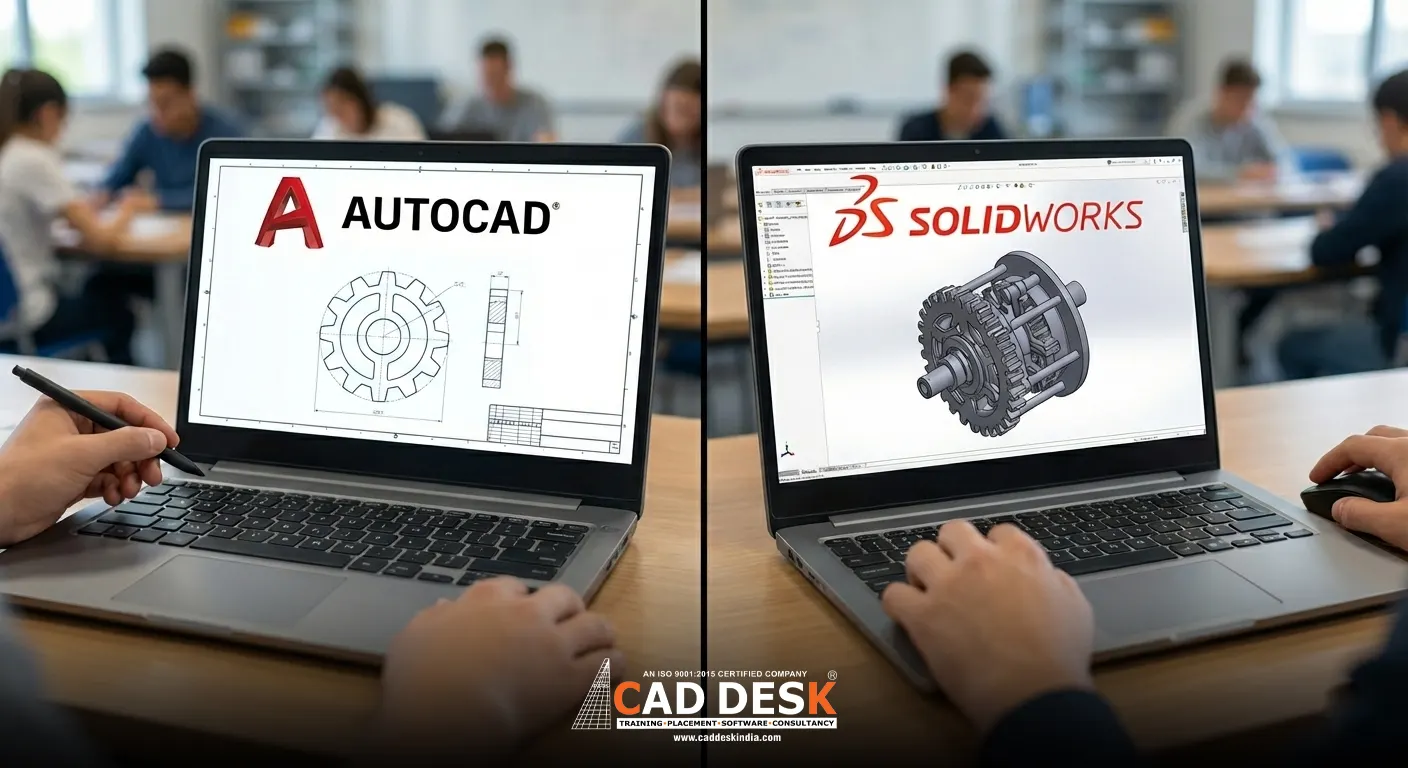
AutoCAD vs SolidWorks: Which Software Should Engineering Students Learn First?
Quick Summary:
1. AutoCAD vs SolidWorks Serve Different Purposes – AutoCAD is best for 2D drafting and documentation, while SolidWorks is designed for advanced 3D modelling and mechanical product design.
2. AutoCAD Is Ideal for Beginners – Engineering students, especially in early semesters, can easily start with AutoCAD to understand drawings, layouts, and design fundamentals.
3. SolidWorks Focuses on Parametric 3D Design – SolidWorks allows easy design modifications, assemblies, and simulations, making it suitable for mechanical and product-based careers.
4. Branch and Career Goals: Decide the Choice – Civil, electrical, and architecture students benefit more from AutoCAD, while mechanical and manufacturing-focused students gain more value from SolidWorks.
5. Best Learning Path for Students – Learning AutoCAD first and then moving to SolidWorks gives engineering students a strong design foundation and better long-term career flexibility.
Choosing the right design software is one of the biggest questions engineering students face today. With so many tools available, the confusion between AutoCAD vs SolidWorks is completely natural. In this blog, we will clearly explain What is AutoCAD, What is SolidWorks, their key differences, career scope in India, and finally help you decide which is better to learn first. If you are a student or a fresher planning your engineering career, this guide will give you a clear starting point.
Why Software Skills Matter for Engineering Students in India
In today’s competitive job market, engineering knowledge alone is not enough. Companies in India expect students to have hands-on experience with industry-standard software. Whether you are from a mechanical, civil, electrical, or product design background, CAD (Computer-Aided Design) tools are almost mandatory.
AutoCAD and SolidWorks are two of the most widely used design software across Indian industries such as manufacturing, construction, automotive, and product development. Understanding the difference between them can save you time, money, and effort during your learning phase.
What is AutoCAD?
AutoCAD is a computer-aided drafting software developed by Autodesk and is widely used for creating precise 2D drawings along with basic 3D designs. It is well known for its accuracy, flexibility, and versatility, which is why it is used across multiple engineering fields. AutoCAD is especially strong in 2D drafting and layout creation, supports basic 3D modelling, and is considered the industry standard for technical drawings. It is commonly used in civil, mechanical, electrical, and architectural projects and is also easy to learn, making it beginner-friendly. If you want a deeper understanding, you can read our detailed guide on What is AutoCAD and why every engineering student should learn it. AutoCAD is ideal for civil engineering students, electrical and electronics students, mechanical students who want to build strong drafting fundamentals, and architecture or interior design students. In India, AutoCAD is often the first CAD software taught in engineering colleges, making it a strong foundation tool for students starting their design journey.What is SolidWorks?
If you are wondering what SolidWorks is, it is a powerful 3D CAD software widely used for mechanical design and product development. SolidWorks is especially popular in industries focused on manufacturing, automation, and product innovation. Unlike AutoCAD, SolidWorks works on parametric modelling, which allows you to modify designs easily without starting from scratch, saving time and effort. It offers advanced 3D modelling and assembly features, realistic simulations and stress analysis, and a user-friendly interface that makes complex designs easier to handle. Because of these capabilities, SolidWorks is ideal for product design and manufacturing applications. It is best suited for mechanical engineering students, product design learners, and those aspiring to build careers in manufacturing, automotive, robotics, and automation fields. Many core mechanical companies in India prefer candidates who have hands-on knowledge of SolidWorks, making it a valuable skill for students aiming for mechanical design roles.AutoCAD vs SolidWorks: Key Differences Explained Simply
| Feature | AutoCAD | SolidWorks |
| Type of Software | Computer-aided drafting software | 3D CAD and product design software |
| Main Purpose | Used mainly for 2D drawings and layouts | Used mainly for 3D modelling and assemblies |
| Ease of Learning | Beginner-friendly and easy to start | Slight learning curve for beginners |
| Best Suited For | Civil, Electrical, Architecture, and the basics of Mechanical | Mechanical engineering and product design |
| 2D Capabilities | Industry standard for 2D drawings | Limited focus on 2D |
| 3D Capabilities | Basic 3D modelling | Advanced 3D modelling and assemblies |
| Design Modification | Manual changes required | Parametric design – easy modifications |
| Simulation & Analysis | Not available | Supports simulation and stress analysis |
| User Interface | Command-based drafting interface | Visual and feature-based interface |
| Learning Order for Students | Ideal software to learn first | Best learned after AutoCAD |
AutoCAD or SolidWorks: Which is Better for Students?
Now comes the most common question: Autocad or SolidWorks, which is better?
The answer depends on your branch and career goals.
Learn AutoCAD First If:
● You are in your first or second year of engineering
● You belong to the civil, electrical, or architecture stream
● You want to build strong drafting fundamentals
Learn SolidWorks First If:
● You are a mechanical engineering student
● You want to work in manufacturing or product design
●You already understand engineering drawings
● You are interested in 3D modelling and simulations
Best Option: Learn Both (Step-by-Step)
For Indian engineering students, the smartest approach is:
1. Start with AutoCAD to understand drafting basics
2. Move to SolidWorks for advanced 3D design
This combination significantly improves job readiness and confidence.
Final Thoughts: Which One Should You Choose?
To summarise, the debate of AutoCAD vs SolidWorks does not have a one-size-fits-all answer. AutoCAD is the best starting point for most engineering students, especially beginners. SolidWorks is a powerful next step for students aiming at mechanical and product-based careers.
If you are still unsure about what AutoCAD is, what SolidWorks is, or which software best suits your career path, expert guidance can make things much easier. If you want personalised advice on choosing the right software or enrolling in professional CAD training, feel free to reach out to us. Our team will help you select the most suitable learning path based on your engineering background and career objectives. Contact us here.
Taking the right first step today can shape a strong engineering career tomorrow.
Frequently Asked Questions
AutoCAD is mainly used for 2D drafting and technical drawings, while SolidWorks is used for 3D modelling, assemblies, and mechanical product design.
Yes, AutoCAD is generally easier for beginners because it focuses on 2D drawings and basic design concepts.
SolidWorks is mainly used for mechanical design, 3D modelling, assemblies, simulations, and product development.
Most engineering students should start with AutoCAD and then move to SolidWorks after understanding drafting fundamentals.
SolidWorks is primarily used by mechanical engineers, but it is also useful for product design, robotics, automation, and manufacturing-related fields.
Yes, AutoCAD supports basic 3D modelling, but it is not as advanced or efficient as SolidWorks for complex 3D designs.
SolidWorks is better for product design because it supports parametric modelling, assemblies, and real-world simulations.
Yes, learning both gives students a strong foundation in drafting and advanced design, making them more versatile.
Basic knowledge of engineering drawings or AutoCAD can make learning SolidWorks easier, but it is not mandatory.
Indian engineering students should prioritise AutoCAD first for fundamentals and SolidWorks later, based on their branch and career goals.